


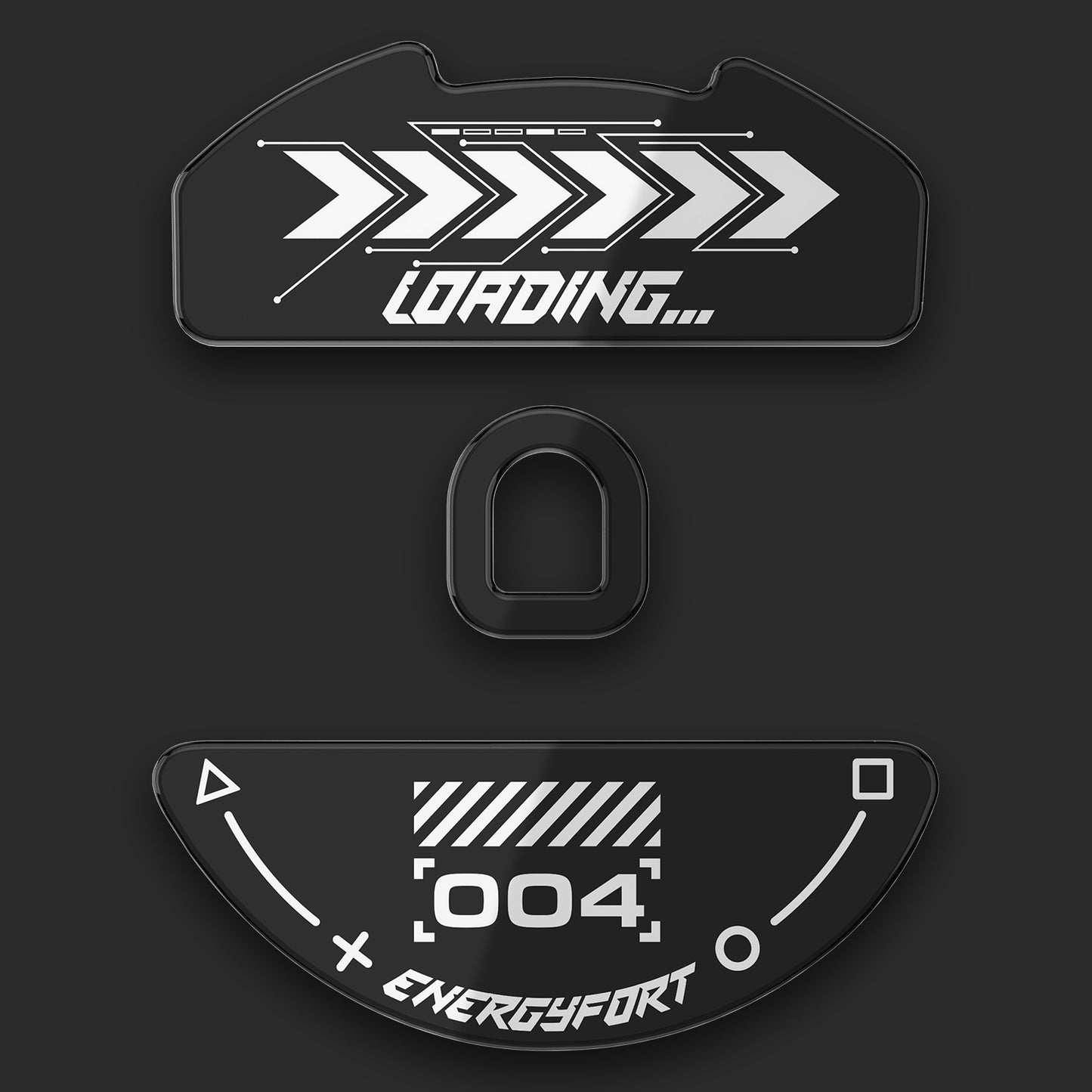

FAST STARTUP

PRECISE AIMING

SUPER DURABLE

ULTRA SMOOTH
FAQ
WHAT ARE GLASS MOUSE SKATES?
Glass mouse skates are replacement mouse feet made from premium glass material. They provide smoother glide, lower friction and more consistent movement compared with traditional PTFE mouse feet.
WHAT ARE THE BENEFITS OF GLASS MOUSE SKATES?
Glass skates provide an ultra smooth glide experience with excellent durability. They help improve tracking consistency, micro adjustments and overall mouse control during gaming.
HOW DO I INSTALL GLASS MOUSE SKATES?
Before installation, remove the original mouse feet and clean the installation area completely. Make sure there is no dust, oil or adhesive residue before applying the new glass skates.
Detailed installation instructions are included inside the product package.
HOW DO I CHOOSE THE RIGHT MOUSE SKATES?
Different mouse models use different skate shapes. Please confirm your mouse model before ordering. Using an incorrect model may affect installation and performance.
CAN I RETURN OR EXCHANGE AFTER INSTALLATION?
Glass mouse skates are adhesive consumable products. Once installed or used, they cannot be returned or exchanged.
Please confirm your mouse model compatibility before purchase.
CAN I USE GLASS MOUSE SKATES WITH A GLASS MOUSE PAD?
It is not recommended. Using glass skates on a glass mouse pad creates extremely low friction, which may reduce control and affect precise aiming.
WHAT GAMES ARE GLASS MOUSE SKATES BEST FOR?
Glass mouse skates are ideal for competitive FPS games such as VALORANT, Counter-Strike 2, Apex Legends and other games requiring fast tracking, precise aiming and quick micro adjustments.
You may also like


This is my third or fourth set of glass mouse skates that I’ve picked up for various mice I’ve had in storage. I have a bit of a habit of buying new mice because of all the features, and this set for the DeathAdder V4 Pro is pretty good.If you’ve never used glass skates, they’re all about speed, and that’s exactly what you’re getting here. I personally prefer them over PTFE or plastic skates. Glass is known for a smoother, lower friction glide that can almost feel like it’s floating, and I can attest to that. I’ve used several sets now. Higher-end options like Pulsar Superglide follow the same idea, focusing on speed and consistency over control. Once you get used to them, it’s hard to go back to standard skates.That said, these are still more entry-level. The polish and finish are decent, and the edges are rounded well, but they’re not on the same level as premium glass skates. The smaller contact area also means you’re not getting full foot coverage like stock skates. They still glide well, but expectations should match the price. It’s more of a niche upgrade than a universal one.My main concerns are adhesion and long-term reliability. In my experience, even budget skates tend to hold fine, but results can vary depending on the mouse pad you’re using. Some surfaces work better than others.One thing to keep in mind with glass skates is removal. If you need to take them off after applying, you have to be careful. They can crack if you try to force them off, which I’ve had happen before.Pros:✅ Extremely smooth, low friction glide✅ Noticeable speed improvement✅ Rounded edges feel clean in use✅ Good entry point into glass skates✅ Works well on compatible mouse padsCons:❌ Less control compared to standard skates❌ Smaller contact area than stock feet❌ Not as refined as premium options❌ Adhesion and longevity may vary❌ Can crack if removed improperly


good but made my mouse too fast but thats just prefrence
These MOSHOU glass mouse skates are a serious upgrade if you’re looking for a faster, smoother feel on your DeathAdder V4 Pro. Installation was straightforward, and once applied, the difference in glide was immediately noticeable — the mouse feels like it’s floating across the pad with almost zero resistance.The tempered glass surface with polished 2.5D edges is what really stands out. It reduces friction dramatically while still maintaining surprisingly controllable movement, especially for FPS games where precision matters. Once you get used to the faster glide, tracking feels extremely fluid and responsive.Build quality also feels solid — the glass is durable, and the edges are smooth enough that it doesn’t chew up your mousepad when used correctly. It’s definitely a more “premium feel” upgrade compared to standard PTFE skates.That said, glass skates naturally take a bit of adjustment if you’re coming from regular feet, but the consistency they offer after that learning curve is excellent. Very light weight and good fit on my mouse.Overall, this is a high-performance, precision-focused upgrade that dramatically improves glide speed and smoothness. If you want maximum speed and a very clean tracking feel, these are absolutely worth it. Great value for money for a niche but impactful upgrade.